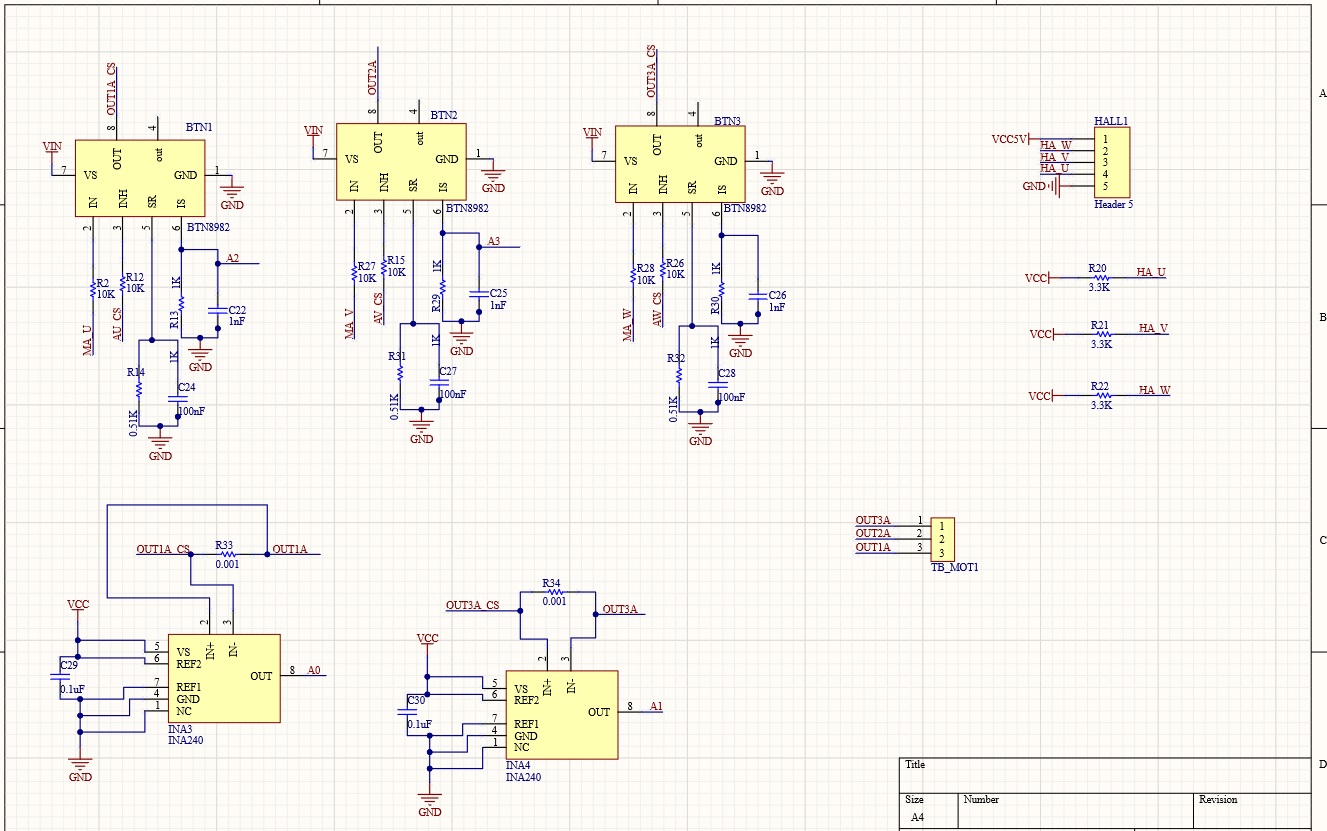
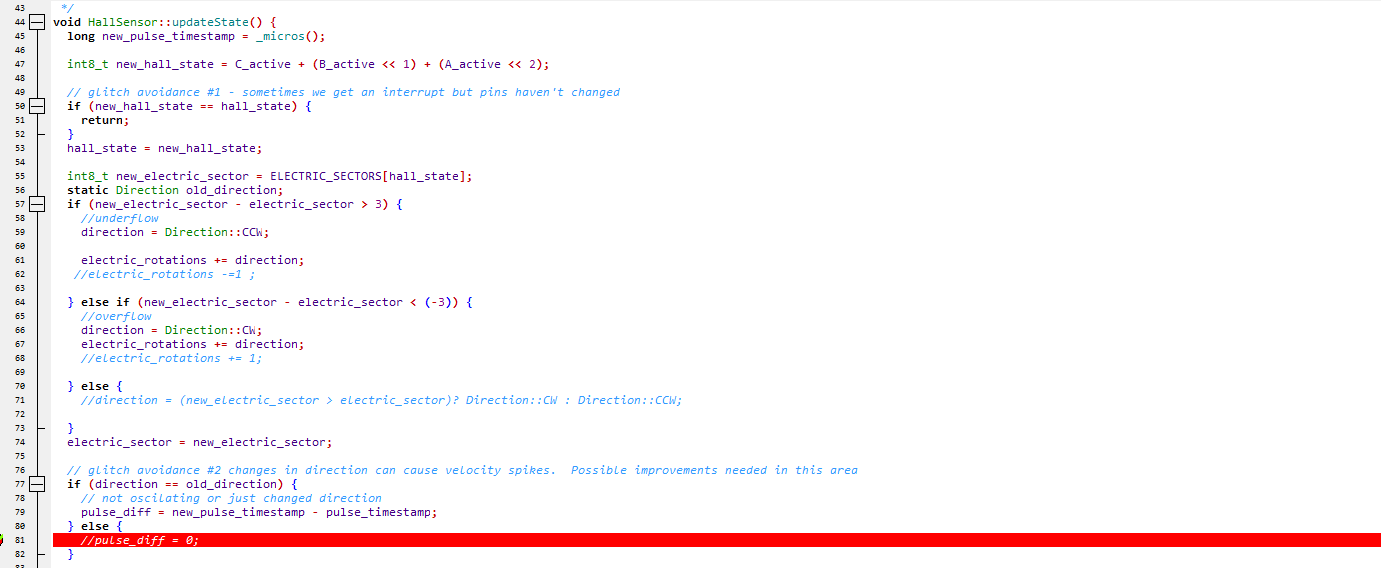
I use stm32f407vgt + powerShield make pcb can driver two motor, bldc motor use Hoverboard motor, hall close loop, but encountered a strange problem , I set two motor speed same as postitve and negative ,motor works noramlly, but set motor one is postitive and one is negative, motor work lost control , print log speed motor1.shaftVelocity() and motor2.shaftVelocity() abnormal, the core config code show as below:
You may help better if you post the complete executable arduino code as well as schematics. The information you provide is insufficient to debug the problem.
I dont need a video or the project. Let me read the code.
Arduino ide or platformio? i see you call arduino.h? platformio?
another question, if you run open loop in opposite directions do you get correct motor motion?
vscode + platformio, stm32 develop with arduino(like arudino_foc support Nucleo broad), I haven’t used open loop control, because the open loop did not work on nucleo stm32 in the early days. Now a single motor runs very smoothly. The dual motors lose control when one speed is positive and the other is negative, and the speed is the same as that of positive and negative. Works very good,
First of all, congrats for your awesome PCB I love it.
This is a very curious peoblem. I do not know what might be causing it really
Which library version are you using?
I can suggest you few steps before you go to the closed loop mode:
Could you please try the open loop and see if you can get them to go in opposite directions?
Could you try only the sensors, removing the driver code completely and seeing if when spinning the motors separately the angle is read well on both sensors and both directions
Also few tips:
dont call the motor.shaftVelocity(), this function is intended to be called only once per loop and it sets the motor.shaft_velocity variable that you can use instead. When you call shaftVelocity multiple times the time in between calls is too small to calculate the discrete derivation and you get very noisy values.
I would suggest you to use the commander interface for all the serial communication, basically avoid using theserialReceiveUserCommand in addition to the commander. Because the comnader will be already calling the Serial.available() etc. And you can easily add the target setting and any other advanced stuff to the commander, you can see some examples in docs and in the library examples.